 C#
C# .NET
.NET GitHub Actions
 Azure DevOps
 xUnit
xUnitOne source of truth
Every app references the same versioned library instead of its own slightly different copy.
Turn duplicated .NET code into versioned, documented NuGet packages — published to nuget.org or your private feed.
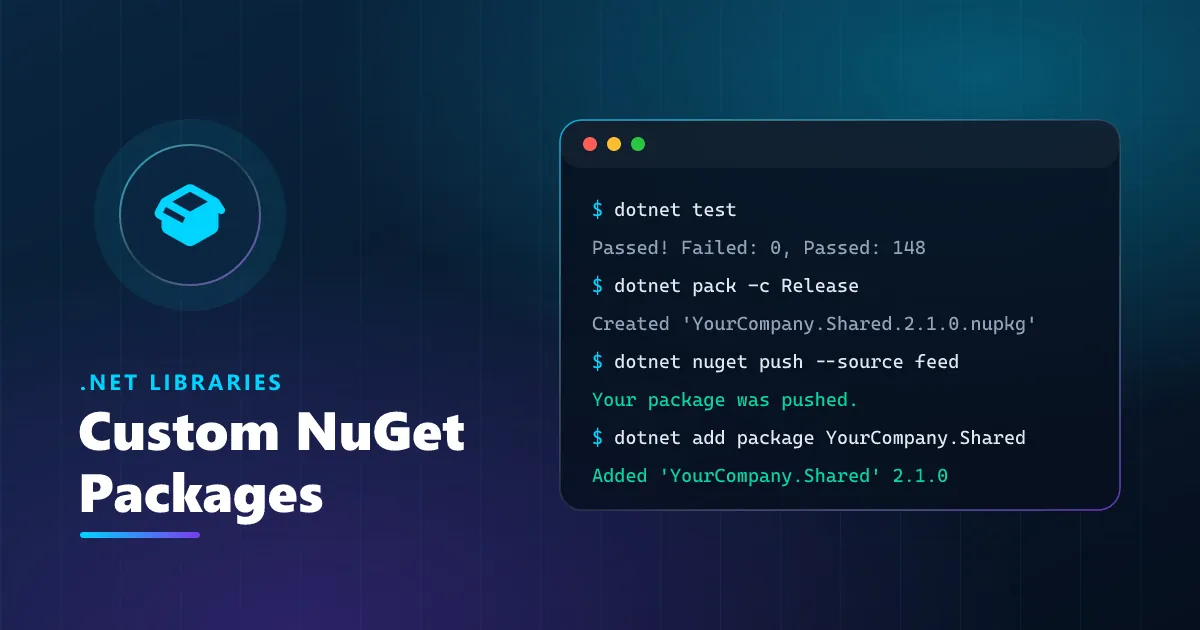
I package your shared .NET code — helpers, API clients, domain logic, validation rules, UI components — into clean, versioned NuGet libraries that every team installs with one command. As the author of six public NuGet packages with more than 1,500 downloads, I handle the whole lifecycle: API design, multi-targeting, Semantic Versioning, README and XML docs, automated tests, and CI pipelines that publish to nuget.org, Azure Artifacts or GitHub Packages.
Every package is built to the standards public libraries are held to. Projects multi-target the frameworks your apps actually run (for example .NET 8, .NET 6 and .NET Standard 2.0), builds are deterministic, and SourceLink plus symbol packages let developers step into the library while debugging. The public API is kept small and intentional, breaking changes only ship in major versions, and every release comes with notes. Central Package Management, analyzers and a test suite run in CI, so a version is published only when the build is green — straight to your private feed or nuget.org.
Review the shared code across your repos, decide what belongs in which package and agree the public API.
Extract the code, remove app-specific dependencies, add multi-targeting and keep behaviour identical.
Add unit tests, XML docs and a README with examples; set the version and changelog conventions.
Pipelines build, test, pack and push to your feed on every tagged release, with SourceLink and symbols.
Switch your apps to the package, remove the copies, and walk your team through releasing new versions.
A bug fixed in the package reaches every app with a version bump — no hunting through copied folders.
Semantic Versioning and release notes tell teams exactly what changed and whether an update can break them.
New projects get your proven building blocks with one dotnet add package command and readable docs.
Internal packages live on your own feed with your access rules; nothing is published publicly unless you want it.
Shared code that lives in copied folders drifts apart. A package gives it one home, one version history and one place to fix bugs.
Every app references the same versioned library instead of its own slightly different copy.
SemVer and release notes make every upgrade a deliberate, reviewable step.
Azure Artifacts or GitHub Packages with your organisation's access rules.
README examples, XML docs in IntelliSense and SourceLink for debugging.
Tag a release and CI builds, tests, packs and pushes the package for you.
| Topic | Copy-paste / shared folder | Internal NuGet package |
|---|---|---|
| Fixing a bug | Patch every repository by hand | Release a new version, apps update |
| Knowing what changed | No history per copy | Semantic Versioning and release notes |
| Breaking changes | Found in production | Only in major versions, flagged up front |
| New projects | Find and copy the right folder | dotnet add package |
| Testing | Different in every copy | One test suite, gated in CI |
End-to-end software solutions tailored to your business needs.
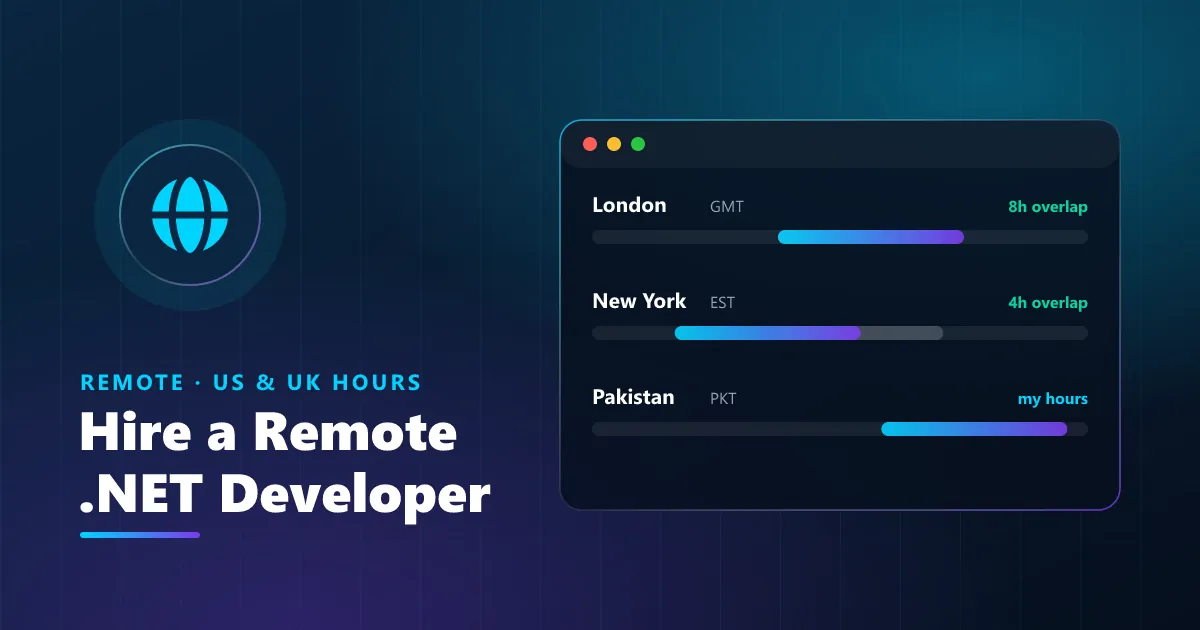
A dedicated ASP.NET Core developer who works your hours — hourly, monthly or fixed-scope, with clear weekly reporting.
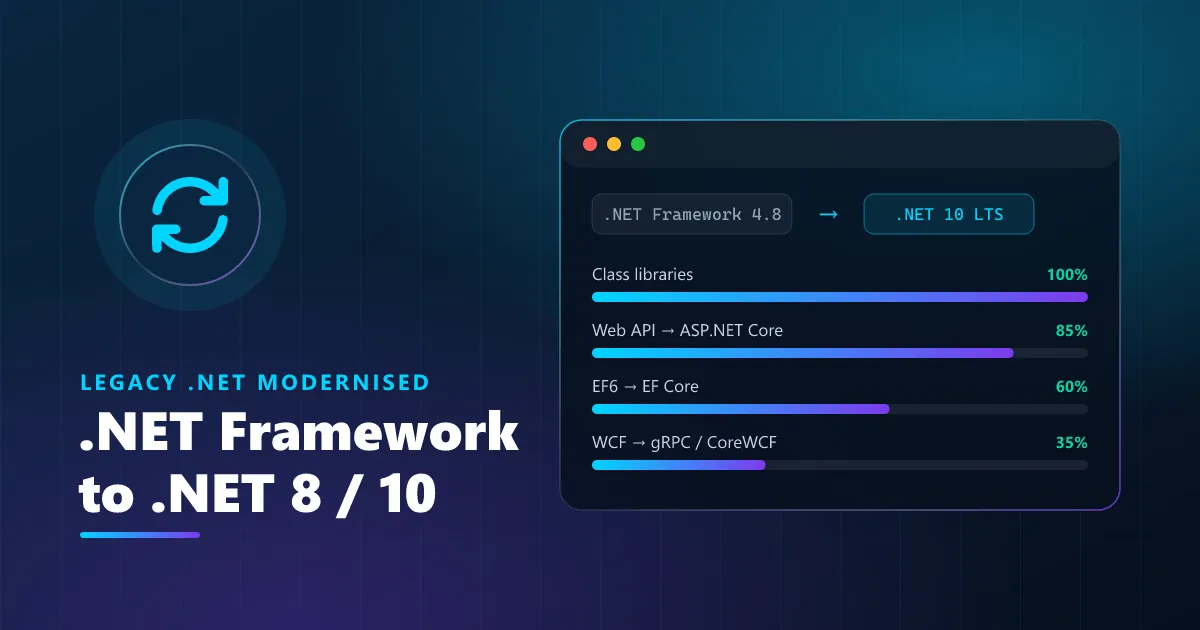
Move .NET Framework 4.x applications to modern .NET step by step — faster, cross-platform and supported again.
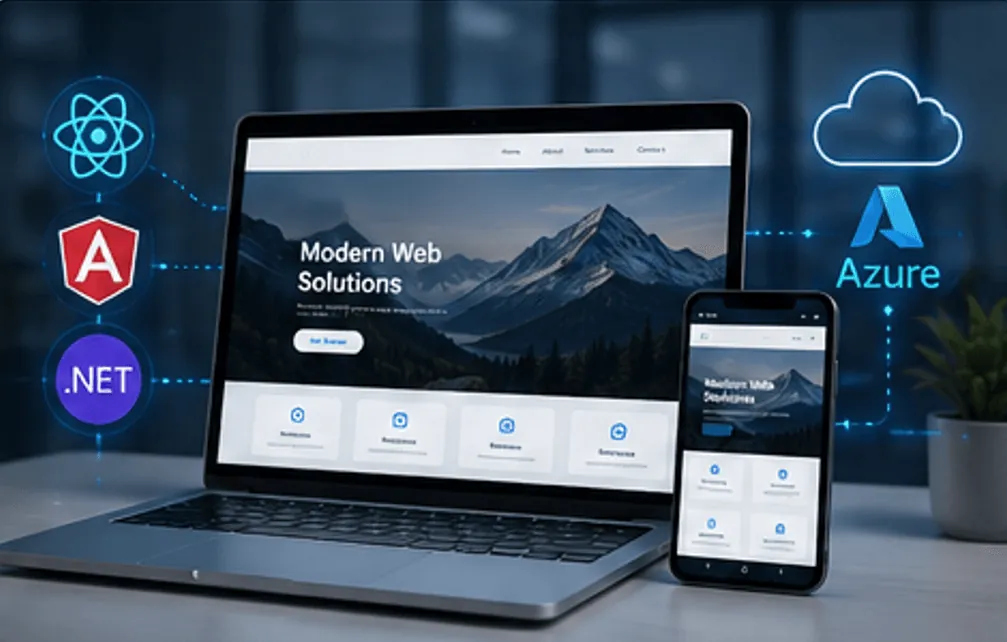
Your complete website or web app — designed, built, launched and supported by one dedicated developer.
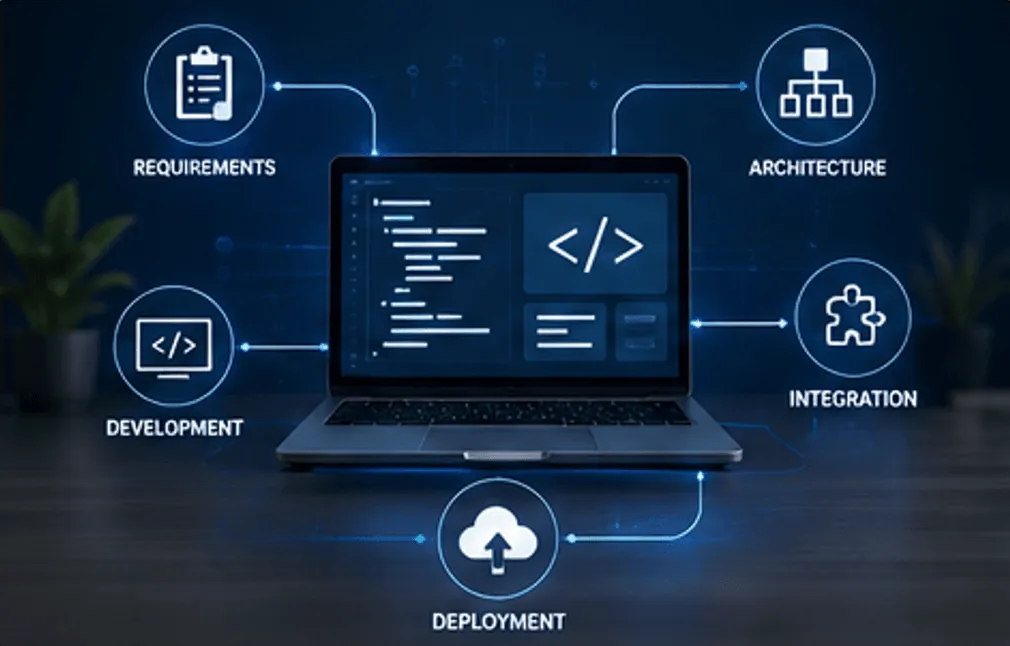
Software built around the way your business actually works — not the other way around.
Robust, scalable web applications and APIs using ASP.NET Core with clean architecture principles.
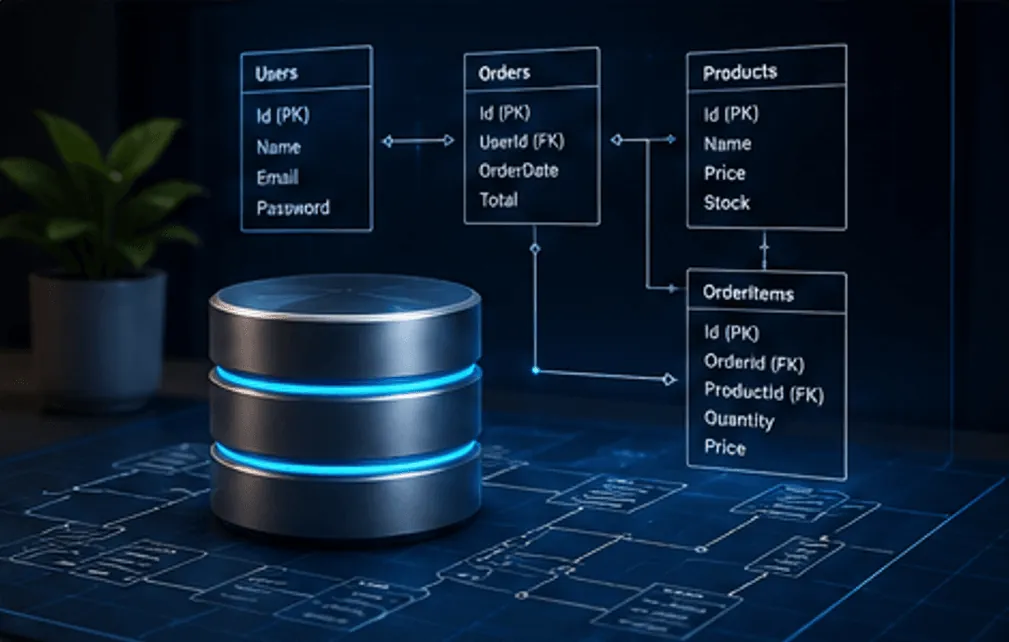
Efficient, normalized databases with optimized queries for maximum performance and scalability.

Secure Stripe, PayPal and custom wallet integrations with reliable checkout and transaction workflows.
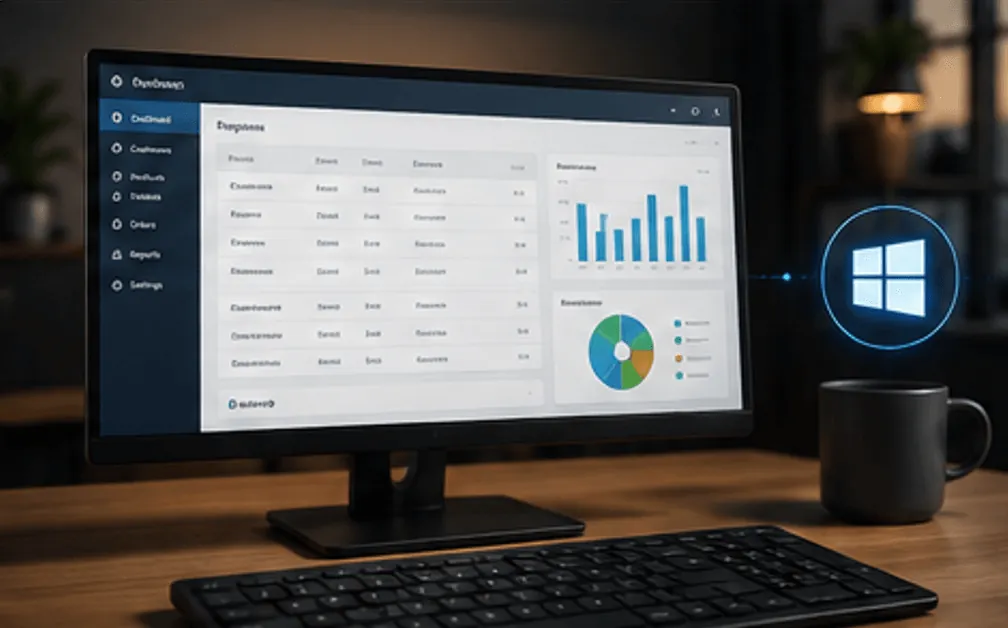
Feature-rich Windows desktop applications using WPF and WinForms with professional UIs.
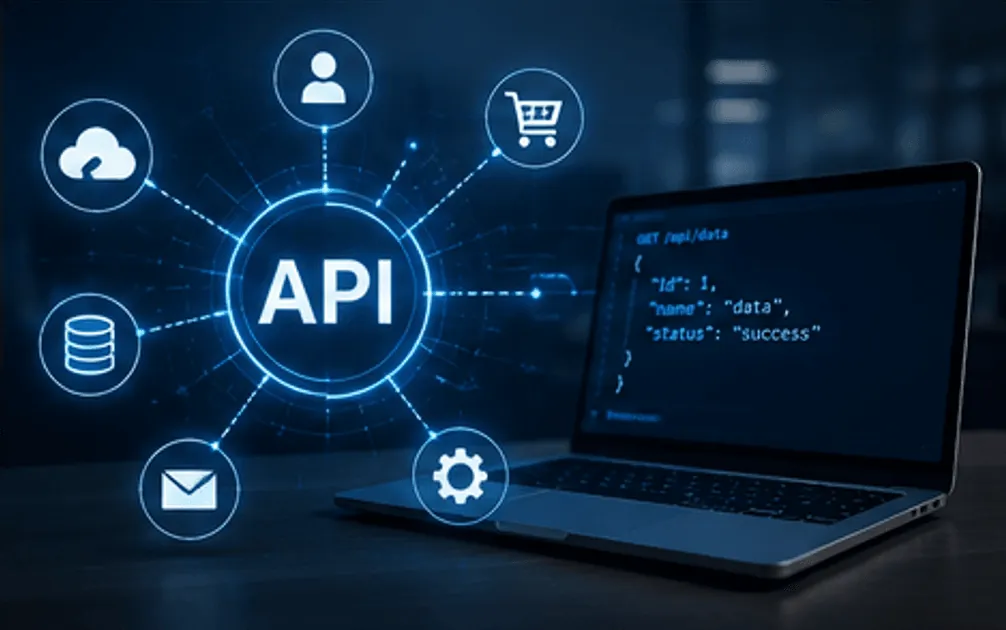
Third-party API integrations and hands-on consulting for complex system architectures.
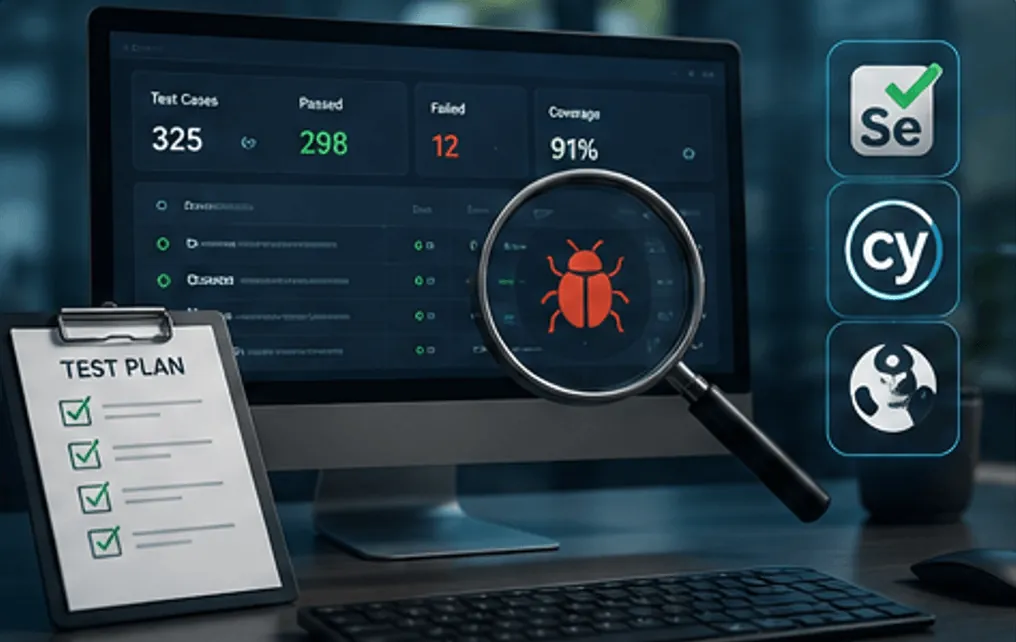
Comprehensive manual and automated testing to ensure your software is reliable, stable, and bug-free.
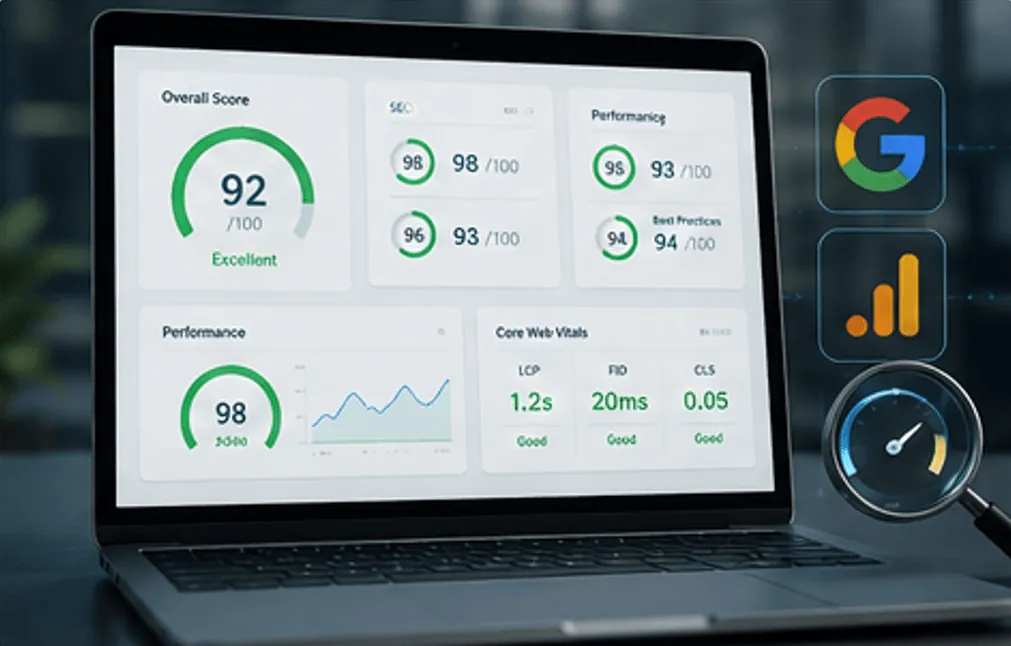
Full website audit covering SEO, AEO, overall visibility, UX, performance, and technical health.
Additional capabilities to support your business beyond core development.

Custom software solutions, web and mobile applications, SaaS products, and business automation systems.
Learn more →
AI-powered applications, intelligent chatbots, business automation, and data-driven solutions.
Learn more →
CRM, ERP, accounting software, inventory management, and custom business dashboards.
Learn more →
UI/UX design, website and mobile app design, branding, and graphic design services.
Learn more →
Brand growth, SEO, paid advertising, social media marketing, and lead generation campaigns.
Learn more →
Software testing, quality assurance, performance optimization, and security testing.
Learn more →
Cloud setup, application deployment, server management, and ongoing technical support.
Learn more →
Technology consulting, business analysis, R&D services, and digital transformation guidance.
Learn more → ASP.NET Core
 SQL Server
 React
React Azure
Azure Angular
 PostgreSQL
 MySQL
MySQL SQLite
 Stripe
 PayPal
 WPF
WPF REST
REST JSON
JSON Postman
 Selenium
 Cypress
 Playwright
 Lighthouse
 Google Search Console
 Analytics
 PageSpeed Insights