 .NET
.NET ASP.NET Core
 C#
C# SQL Server
 Azure
AzureFaster runtime
ASP.NET Core and the modern JIT serve more requests with the same servers.
Move .NET Framework 4.x applications to modern .NET step by step — faster, cross-platform and supported again.
I migrate .NET Framework 4.x applications to modern .NET — .NET 8 or the current LTS, .NET 10 — without a risky big-bang rewrite. The work starts with an assessment of your solution and dependencies, then moves project by project: class libraries first, then ASP.NET MVC and Web API to ASP.NET Core, Entity Framework 6 to EF Core, and WCF services to gRPC, REST or CoreWCF. Tests are added before code moves, so behaviour stays the same while your app becomes faster, container-ready and able to run on Linux.
Large applications are migrated incrementally rather than all at once. Shared libraries are retargeted (often to .NET Standard 2.0 first so both old and new apps can use them), the .NET Upgrade Assistant and analyzers flag incompatible APIs, and replacements are chosen for each blocker — System.Web, WCF server, AppDomains, Web Forms. For web apps, a YARP reverse proxy can route some URLs to the new ASP.NET Core app while the rest still run on the old one, so features move over gradually with no downtime. Note that .NET 8 support ends in November 2026, so new migrations should usually target .NET 10, which is supported until November 2028.
Inventory projects, NuGet packages and Windows-only APIs, and produce a migration plan with effort per project.
Add characterisation tests around critical behaviour so every step can be verified.
Retarget class libraries (often to .NET Standard 2.0) so old and new apps can share them during the move.
Move web, API, data and service layers project by project, replacing blockers like System.Web and WCF.
Switch traffic to the new app, retire the old code, and set up CI/CD and container or Azure hosting.
Modern .NET gets new features and security updates; .NET Framework 4.8 only receives fixes.
ASP.NET Core and the modern runtime handle more requests on the same hardware.
Linux, Docker and Azure App Service hosting instead of Windows Server and IIS only.
Developers want to work on modern .NET; a current stack is easier to staff and maintain.
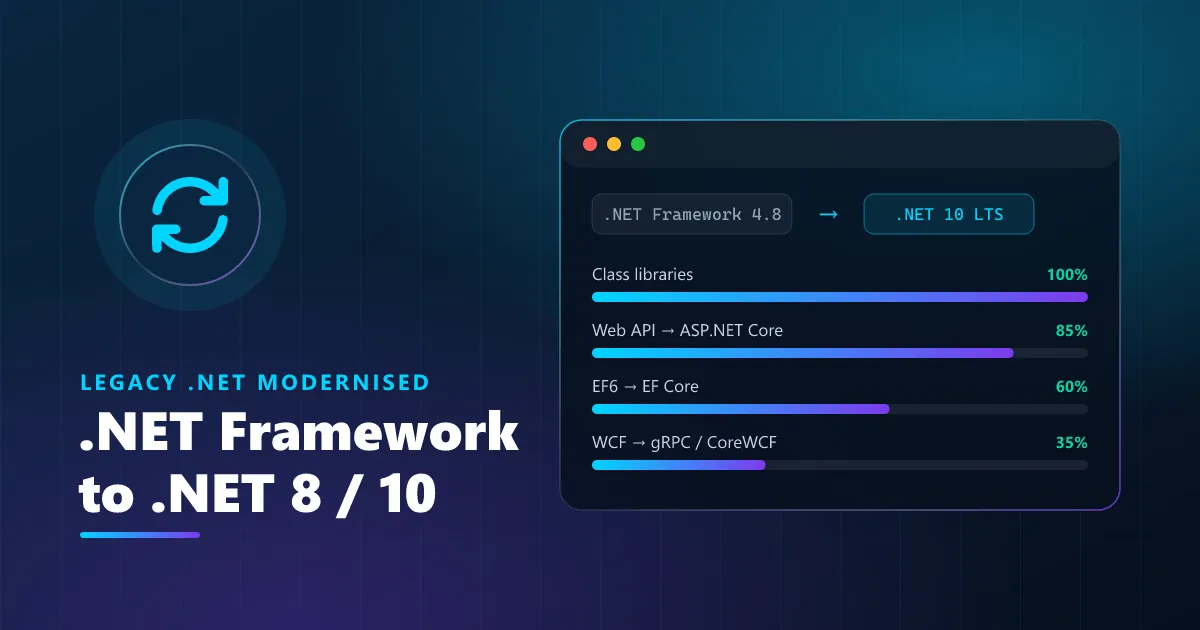
.NET Framework 4.8 still runs, but it no longer gets new features, only runs on Windows, and gets harder to staff every year.
ASP.NET Core and the modern JIT serve more requests with the same servers.
.NET 10 is supported until November 2028.
Run on Linux, Docker, Kubernetes or Azure App Service.
Incremental migration keeps the app live while features move over.
Characterisation tests prove the migrated code behaves exactly like the old code.
| Topic | .NET Framework 4.8 | .NET 8 / .NET 10 |
|---|---|---|
| Platforms | Windows only | Windows, Linux, macOS, containers |
| New features | None — fixes only | Yearly releases with new features |
| Web framework | ASP.NET MVC / Web Forms on IIS | ASP.NET Core on Kestrel, IIS or containers |
| Performance | Older runtime | Much faster runtime and web stack |
| Hosting cost | Windows Server licences | Linux hosting and containers available |
End-to-end software solutions tailored to your business needs.
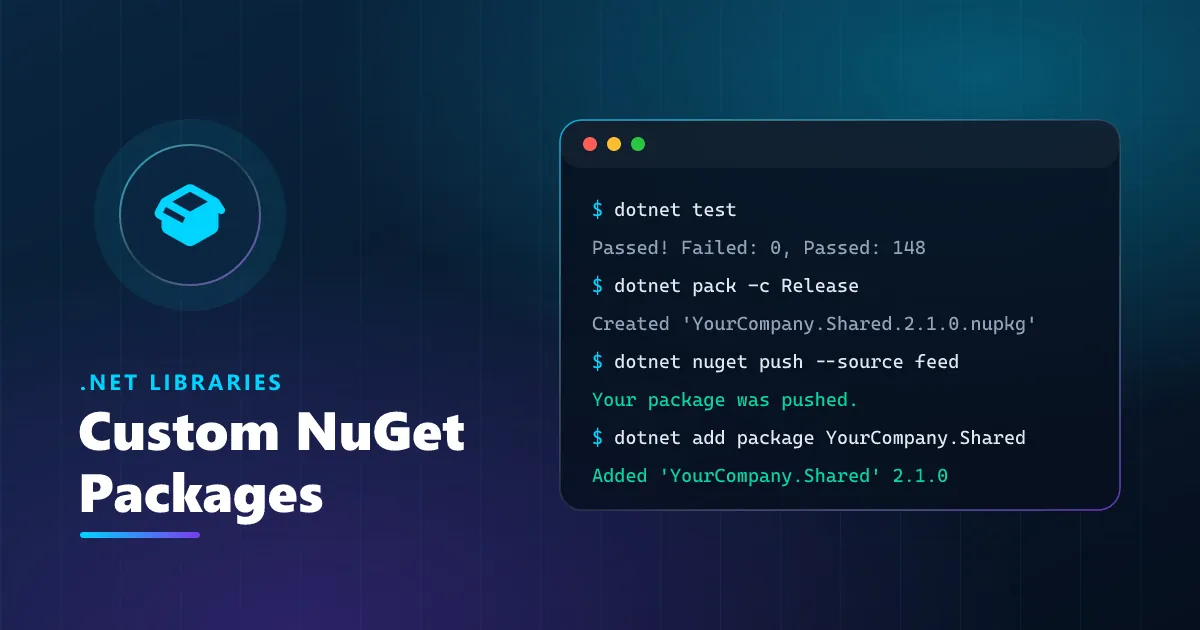
Turn duplicated .NET code into versioned, documented NuGet packages — published to nuget.org or your private feed.
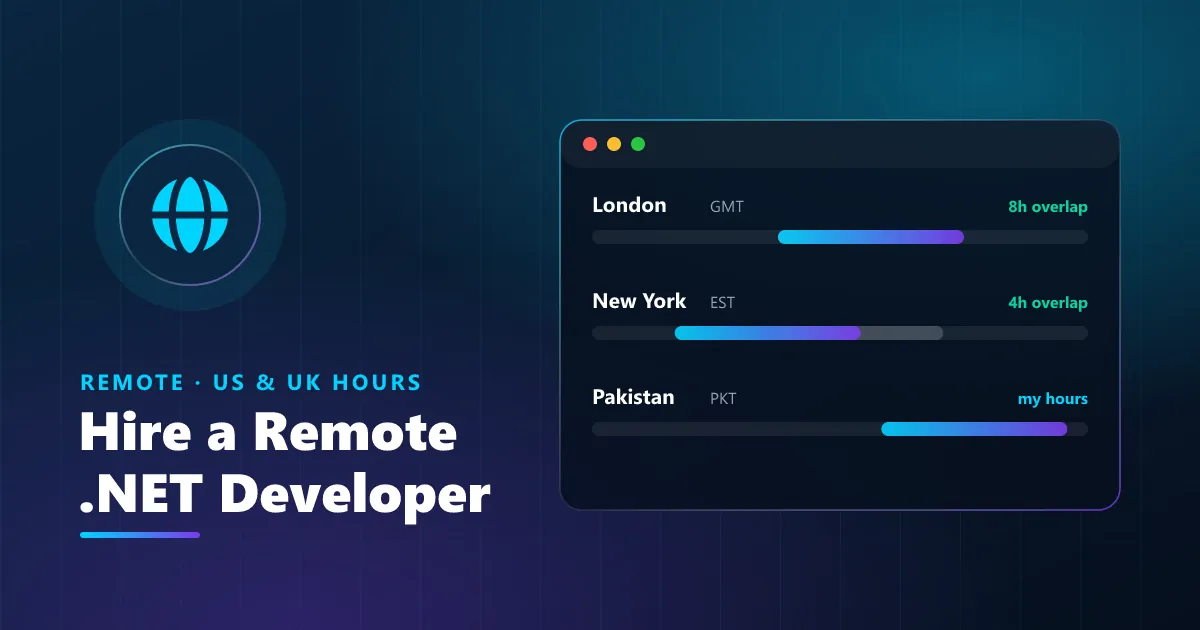
A dedicated ASP.NET Core developer who works your hours — hourly, monthly or fixed-scope, with clear weekly reporting.
Your complete website or web app — designed, built, launched and supported by one dedicated developer.
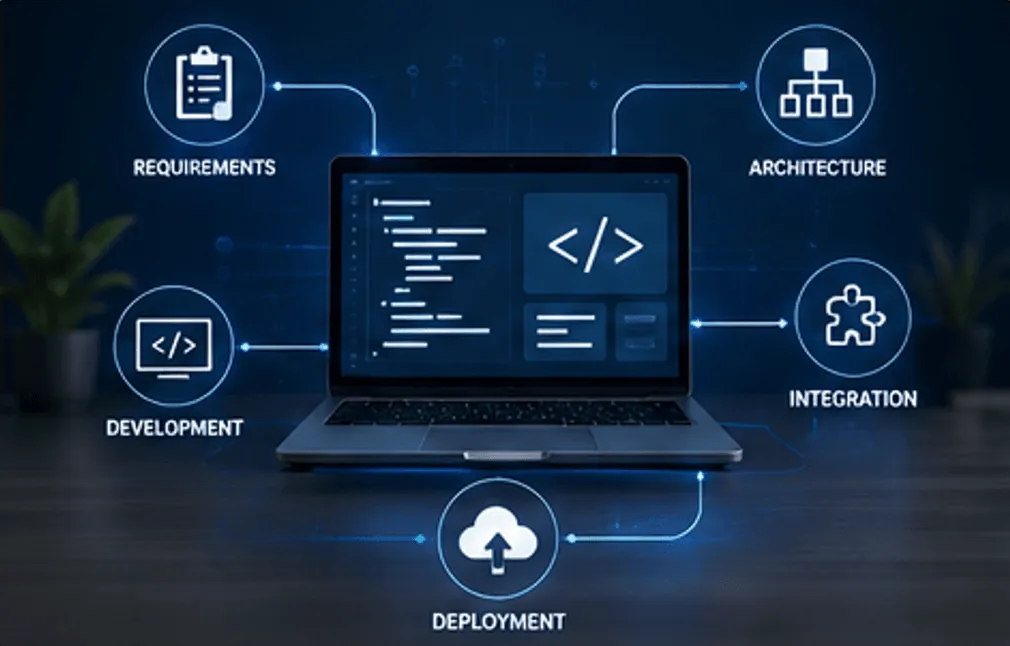
Software built around the way your business actually works — not the other way around.
Robust, scalable web applications and APIs using ASP.NET Core with clean architecture principles.
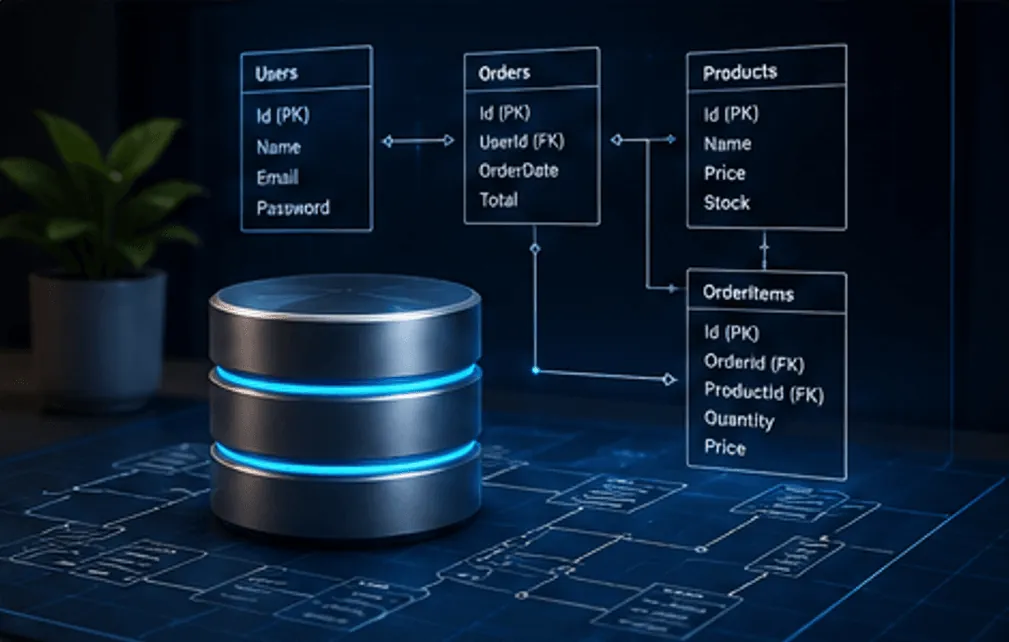
Efficient, normalized databases with optimized queries for maximum performance and scalability.

Secure Stripe, PayPal and custom wallet integrations with reliable checkout and transaction workflows.
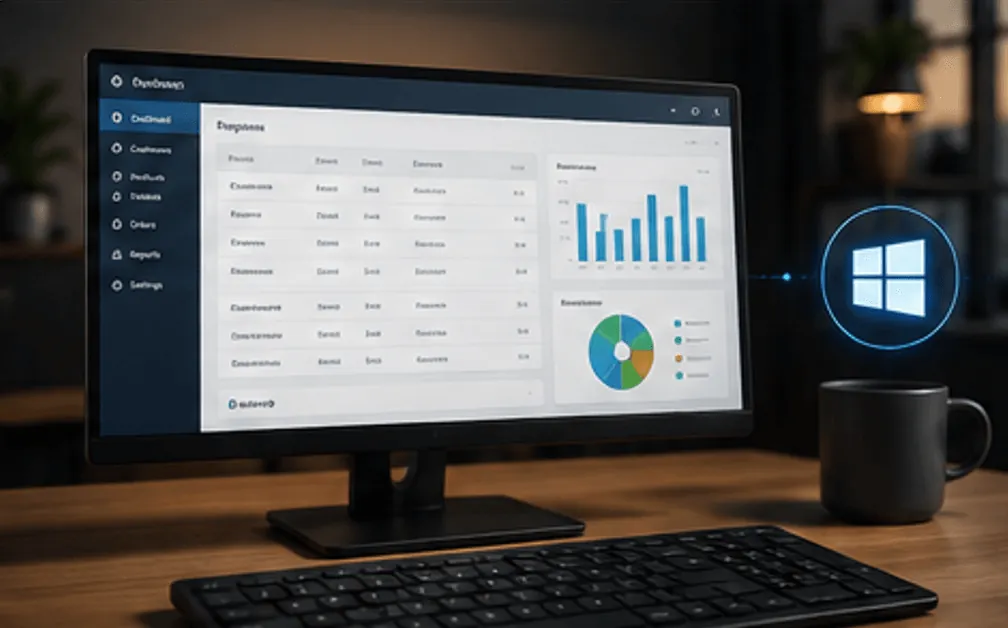
Feature-rich Windows desktop applications using WPF and WinForms with professional UIs.

Third-party API integrations and hands-on consulting for complex system architectures.

Comprehensive manual and automated testing to ensure your software is reliable, stable, and bug-free.
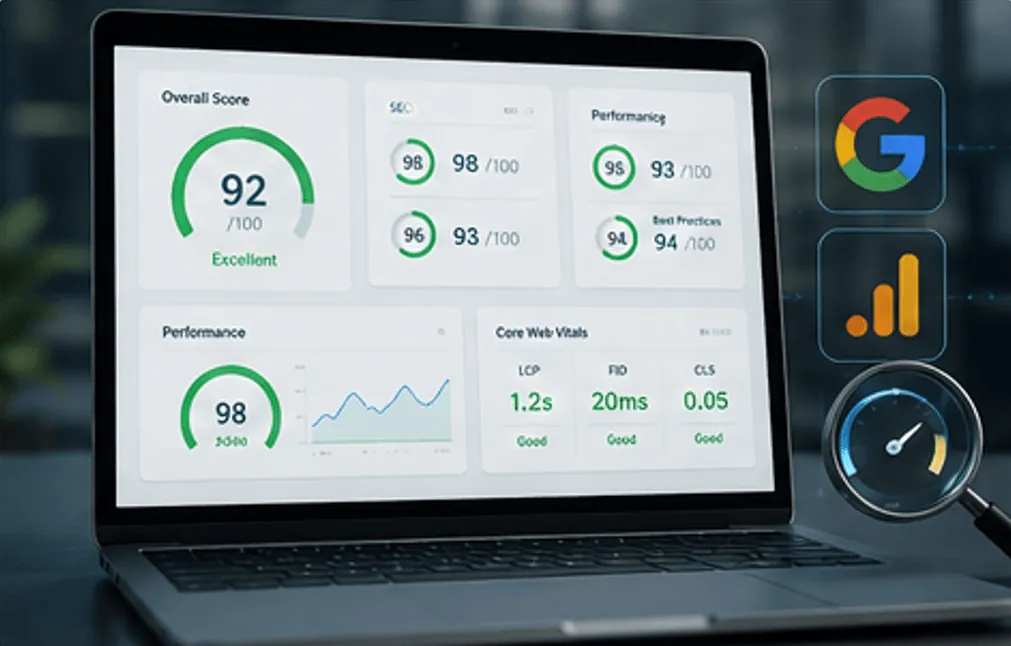
Full website audit covering SEO, AEO, overall visibility, UX, performance, and technical health.
Additional capabilities to support your business beyond core development.

Custom software solutions, web and mobile applications, SaaS products, and business automation systems.
Learn more →
AI-powered applications, intelligent chatbots, business automation, and data-driven solutions.
Learn more →
CRM, ERP, accounting software, inventory management, and custom business dashboards.
Learn more →
UI/UX design, website and mobile app design, branding, and graphic design services.
Learn more →
Brand growth, SEO, paid advertising, social media marketing, and lead generation campaigns.
Learn more →
Software testing, quality assurance, performance optimization, and security testing.
Learn more →
Cloud setup, application deployment, server management, and ongoing technical support.
Learn more →
Technology consulting, business analysis, R&D services, and digital transformation guidance.
Learn more → GitHub Actions
 Azure DevOps
 xUnit
xUnit React
React Angular
 PostgreSQL
 MySQL
MySQL SQLite
 Stripe
 PayPal
 WPF
WPF REST
REST JSON
JSON Postman
 Selenium
 Cypress
 Playwright
 Lighthouse
 Google Search Console
 Analytics
 PageSpeed Insights